
It is read, not converted
Hub opens the .xlsx and keeps the formulas as formulas. There is no porting step and no second copy of the logic to keep in sync with the original.
Since 2006
Upload a workbook and SpreadsheetWeb builds a web application around the formulas you already wrote. The interface, data, documents, and API are configuration rather than code. 501 Excel functions, counted against Microsoft's own list so you can check it.
Manufacturers, insurers, hotel groups, consultancies, and city governments. Some run a single calculator, others run dozens of applications across several departments.
















See customer stories or read the case studies.
No black box. Here is the whole mechanism, because it is the part that decides whether this works for your project.
Hub opens the .xlsx and keeps the formulas as formulas. There is no porting step and no second copy of the logic to keep in sync with the original.
Calculation happens on a proprietary engine we have built and maintained since 2006, not a third-party library and not a copy of Excel running on a server. It handles the same cross-sheet references and layered formulas your workbook already relies on.
Your workbook is uploaded once and stays server-side. It is never sent to the browser, never handed to an outside service, and never exposed to the people using the application. On Private Cloud and server licences it never leaves your own environment at all.
Pick input and output cells in an Excel-like grid and bind controls to them. No named ranges to define first, no mapping code, no rebuild.
Everything people submit is written to a structured database as its own record, never back into the workbook. The model stays a model and the data stays queryable, so you can filter, export, track full record history, and set permissions per record. It also means updating the calculation does not disturb anything already collected, which is where the version control problem quietly goes away.
Revise the model in Excel, upload it, and the application uses the new logic. The calculation stays where the people who own it already work.
The full mechanism, control library, document generation, and API are on the features page.
Each of these was built from an ordinary workbook and is running right now. Open one and change the inputs.
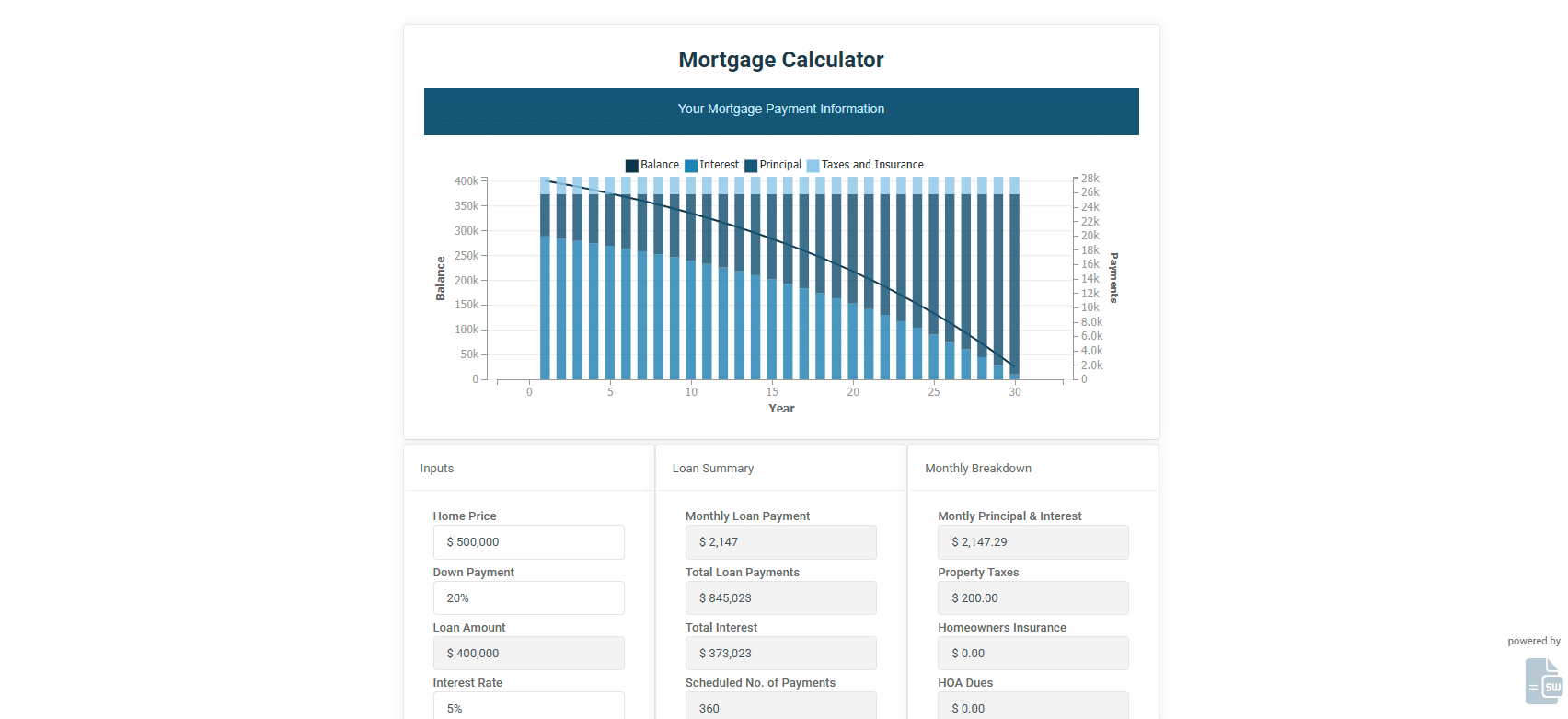
PMT, an amortisation schedule, and a chart driven straight from the workbook.
Open the live app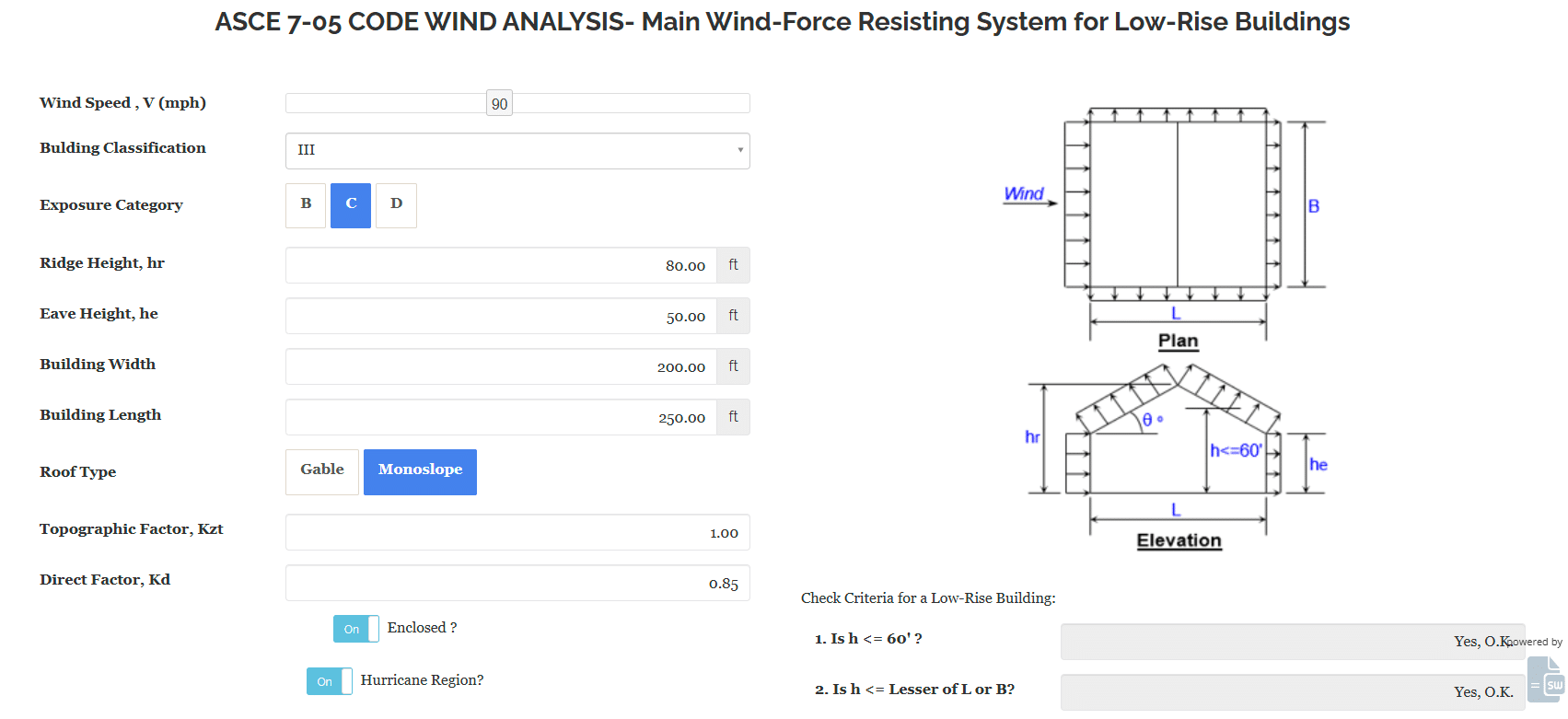
An engineering calculation with dozens of inputs, running the original structural model.
Open the live app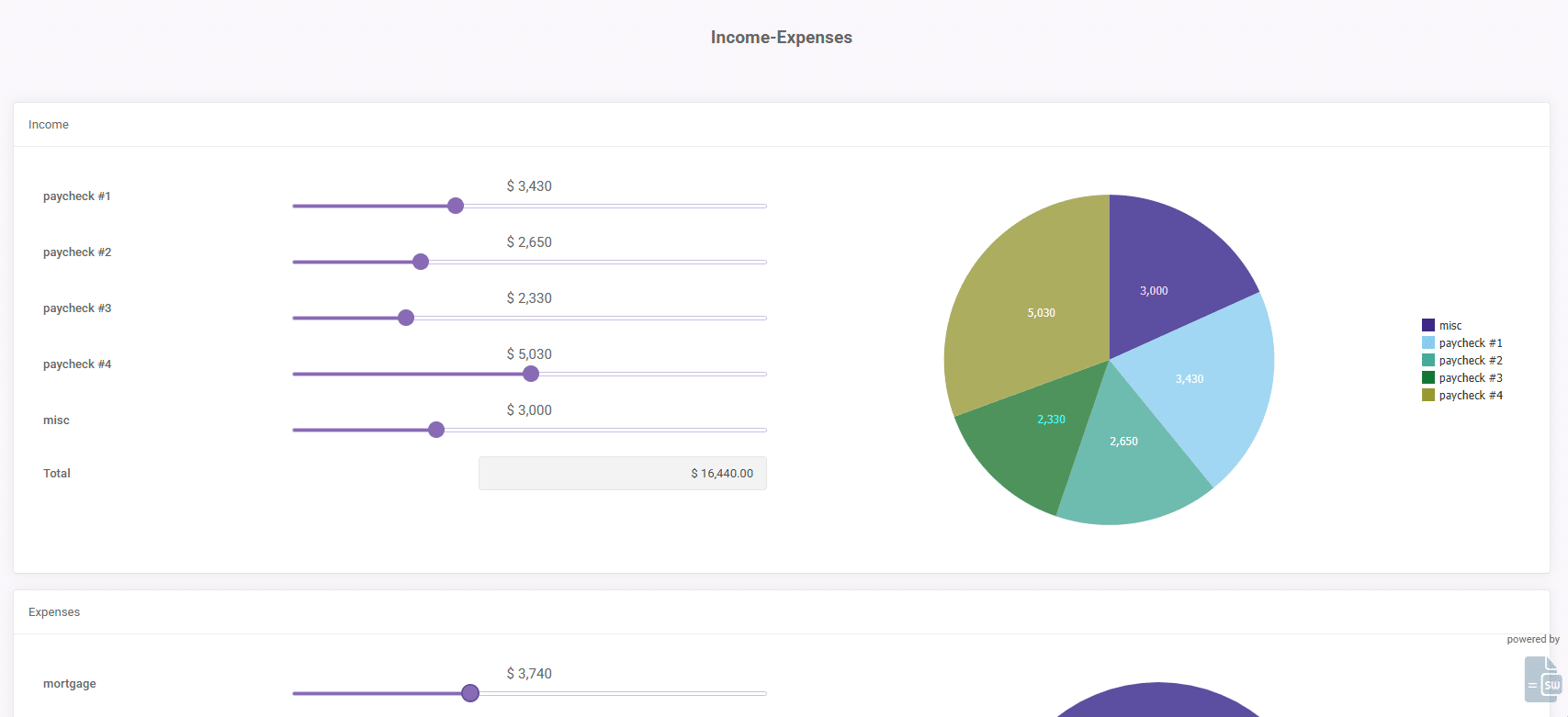
A multi-year projection with output grids, from a workbook nobody had to rebuild.
Open the live app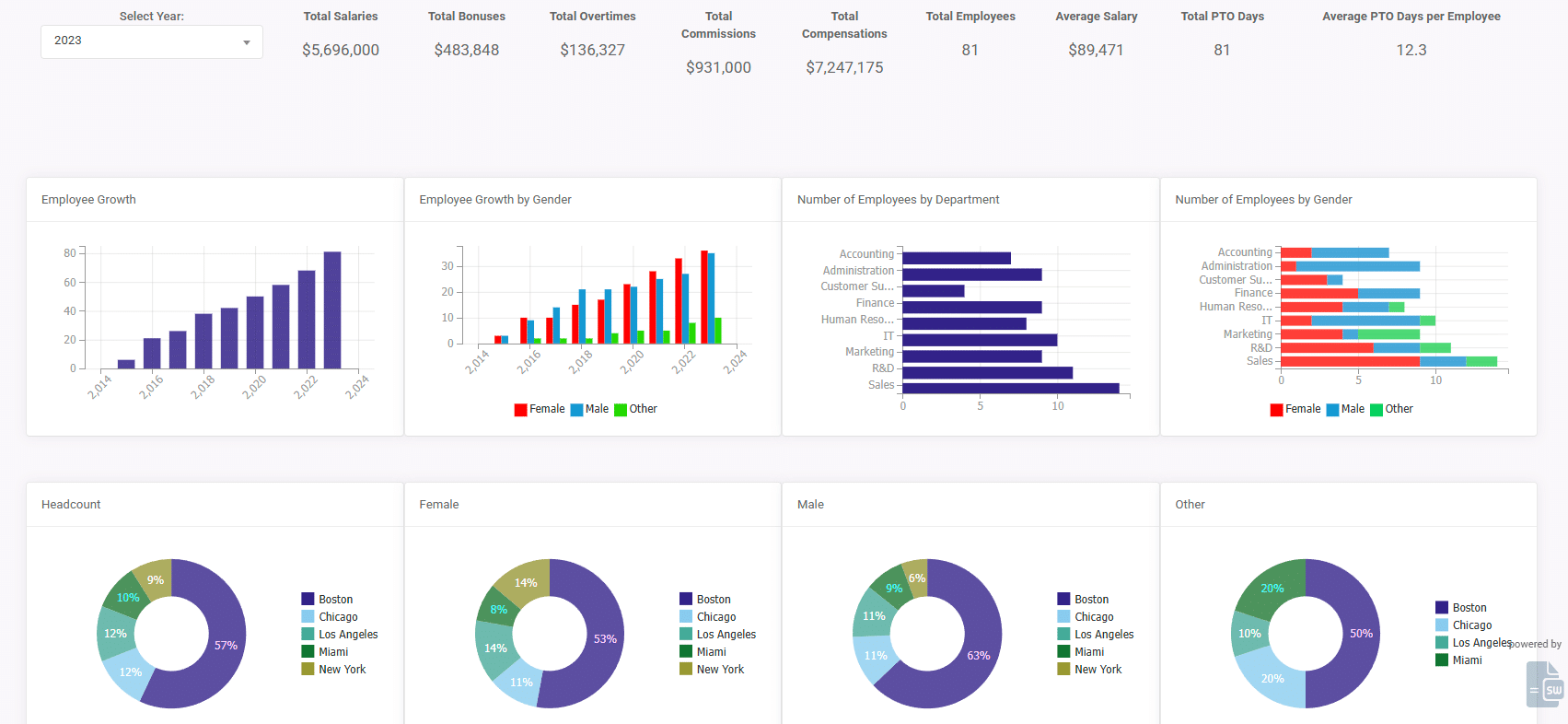
Aggregation and charting over collected records rather than a static sheet.
Open the live app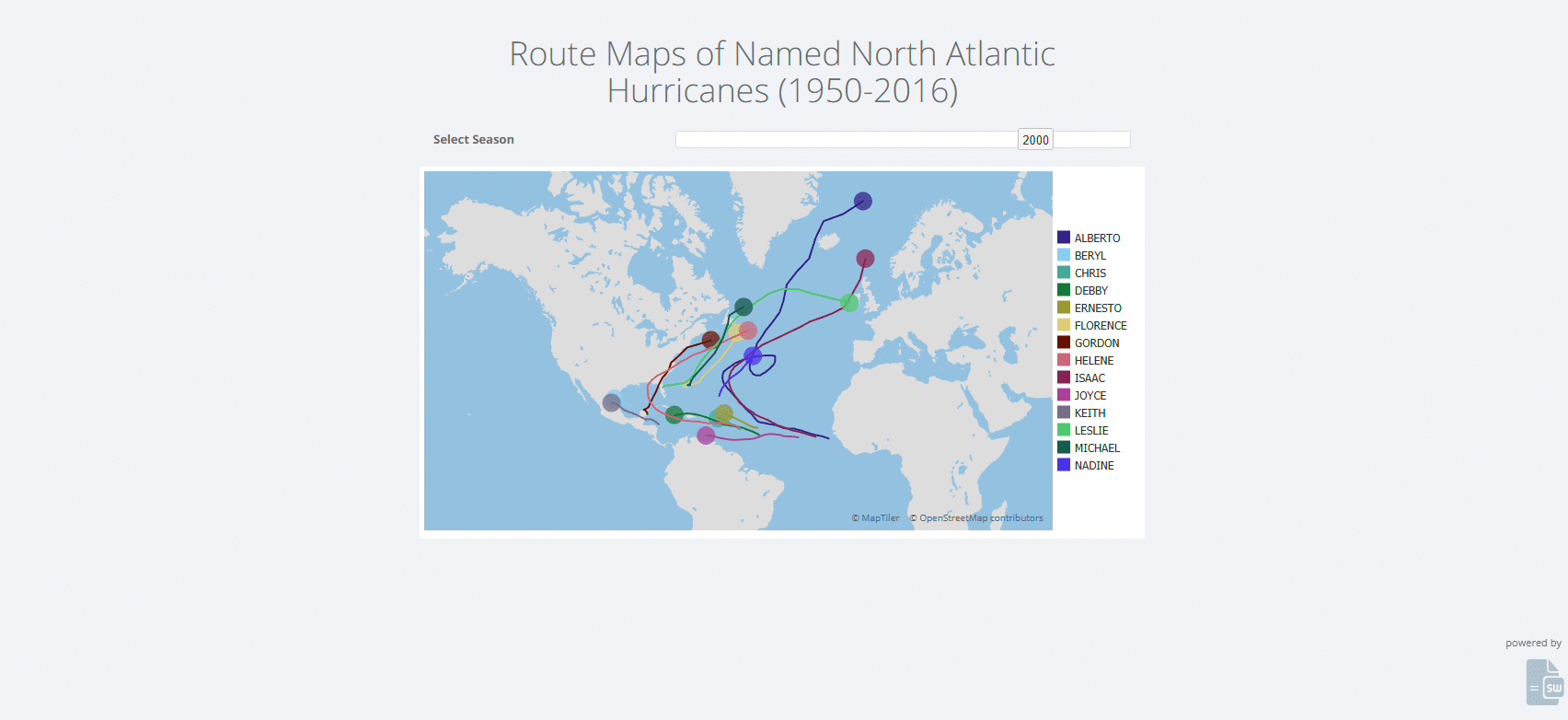
A map control fed by latitude and longitude columns, animated across a timeline.
Open the live app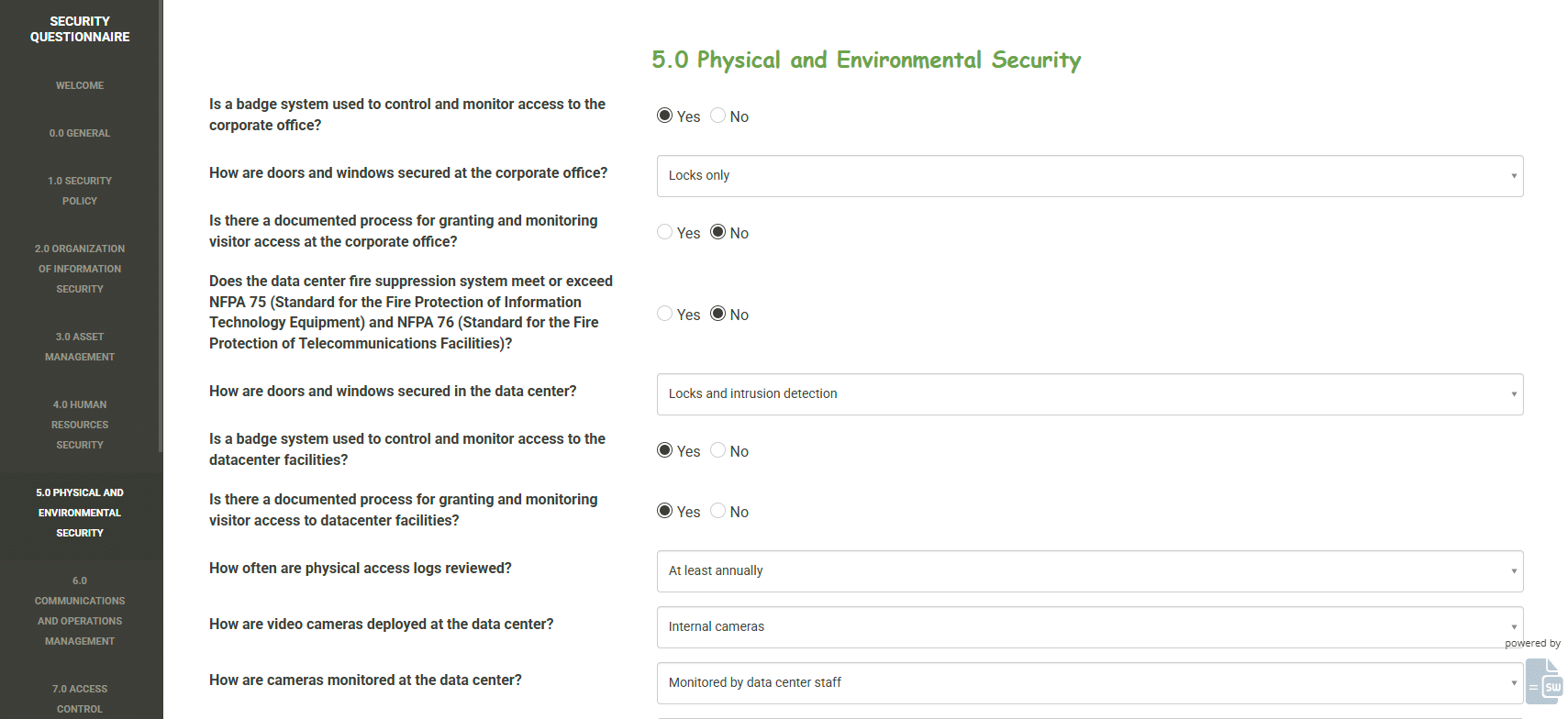
A scored questionnaire with conditional sections and a saved record per response.
Open the live appMore in the gallery.
Every vendor in this category says it supports Excel formulas. Here is what that sentence is worth when you check it.
The 15 that do not run are named individually, each with the reason it does not. Coverage is measured against Microsoft's own function categories rather than a list of our own, and it downloads as a CSV with no form in front of it.
VBA does not execute. Interface macros are usually replaced by configuration rather than rewritten; calculation macros convert to LAMBDA or to the built-in Simulation event. Both cases are documented end to end.
Prices are on the page rather than behind a form, and so are the limits. What each plan can and cannot run is written on the page where you would be about to pay, not discovered afterwards.
Your model, your data
We do not send your spreadsheets to large language models, and we do not use them to train any model. The logic you spent years building is not an input to somebody else's product.
No third parties in the path
The engine is ours. There is no external calculation service, no round trip to a spreadsheet API, and nothing that requires your file to be copied somewhere else to get an answer.
Send us the workbook. We will check it against the supported function list and tell you what, if anything, needs attention, including when the honest answer is that another tool fits better.
Nine customers on why they chose SpreadsheetWeb and how the first application went.
“It was incredibly easy to convert the tool into a web application. The process was smooth beyond my expectation. I had a working application in the matter of a couple of days. It just blew me away.”

“Before deciding to go with SpreadsheetWeb, we compared it with other solutions. For creating our own custom coded app, we got a quote for around $80,000. There’s definitely a lot of savings there for going with SpreadsheetWeb.”

“I am not a programmer. We tried using various spreadsheet conversion tools, but couldn’t find the flexibility we were looking for. SpreadsheetWeb’s Designer module is very easy to use and flexible.”

“I spent a few hours, and were able to get the application pretty close. Then, I had some help from the SpreadsheetWeb team to fix it up, and it all took a couple days. I was ready to go live within a week.”

“The reason why we choose SpreadsheetWeb was because the interface looked cleaner. It didn’t look like we just made a spreadsheet. From the perspective of the potential buyer, it appeared more like a tool and not like some spreadsheet which we would just give a copy of.”

“Using SpreadsheetWeb, we were able to try out the tool, and avoid the initial development costs. Furthermore, the SpreadsheetWeb platform is very flexible. If we need to make any changes to the tool, it’s now in my hands to do just that.”

“I was impressed with how quickly and easily we could bring our reasonably sophisticated Excel models to a web format.”

“This was like going to the right doctor and getting prescribed the right medicine. The time value of money was the best return I’ve seen in terms of web development for this kind of a project.”

“SpreadsheetWeb allowed us to create a web-based timesheet application with user management integration in a very short amount of time.”

The same mechanism, pointed at different problems.
Running this across a regulated environment or a large team? See enterprise options and the developer documentation.
The free tier is free forever and needs no card. If you would rather we did the first one, send us the file and we will build it and put it in your workspace for review.